
Prompt field guide
Seedream 5 Pro prompts built for real creative briefs
Four reusable prompts show how to specify subject, composition, lighting, text and output format without burying the model in filler.
01
A useful prompt reads like a compact art direction brief
Start with the deliverable, then describe the visual hierarchy and the details that must survive. Put exact text in quotation marks, name the intended ratio, and separate required elements from stylistic preferences.
02
The prompt anatomy
Use this order when a first draft needs to be easy to diagnose and revise.
- 01
Deliverable and audience
- 02
Subject and composition
- 03
Lighting, materials and visual style
- 04
Exact text, ratio and resolution
03
Copyable prompt examples
Each example opens the GogloAI studio with Seedream 5 Pro, the prompt and suggested format already selected.
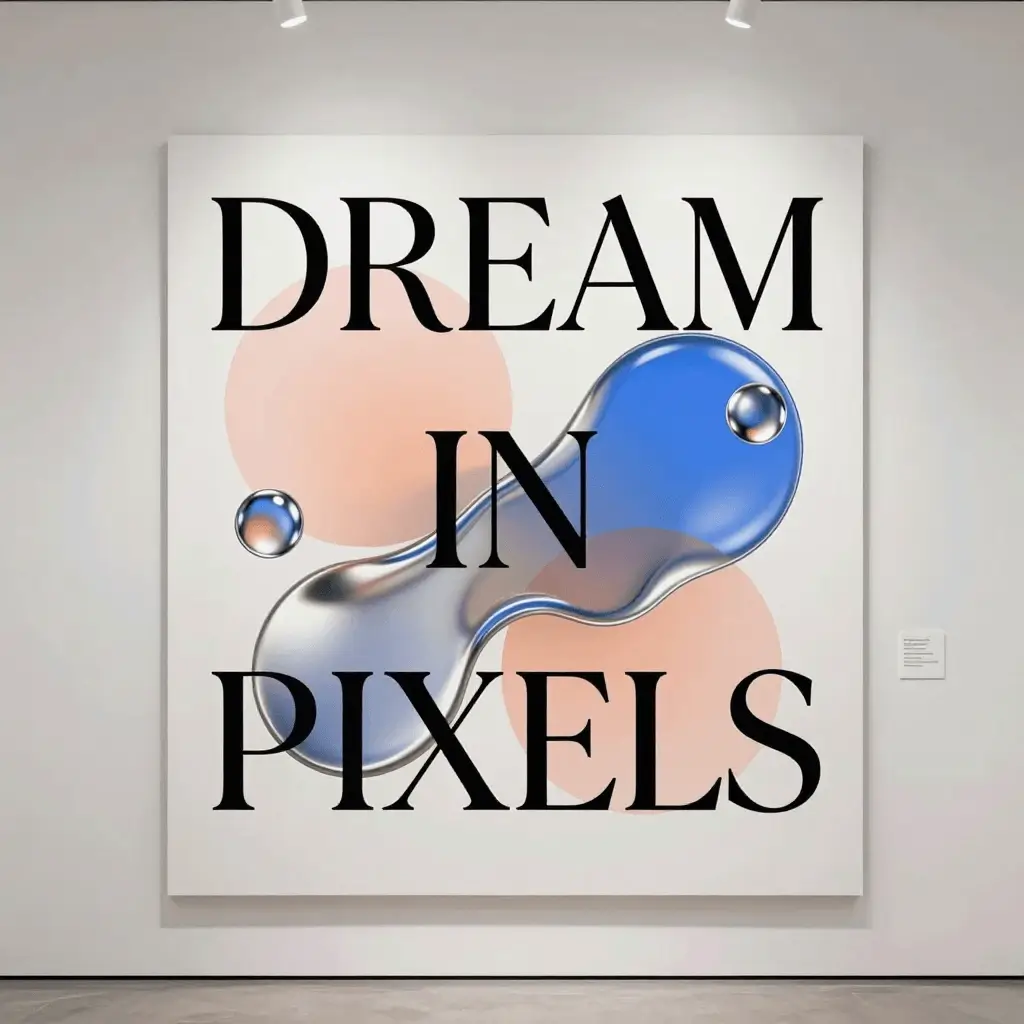
01
Dense educational infographic
Prioritizes hierarchy, labels and information density.
A high-density educational infographic explaining photosynthesis as a clean modern poster, crisp bilingual labels, hierarchical layout, soft paper texture, studio lighting
Suggested settings 3:4 · 2K
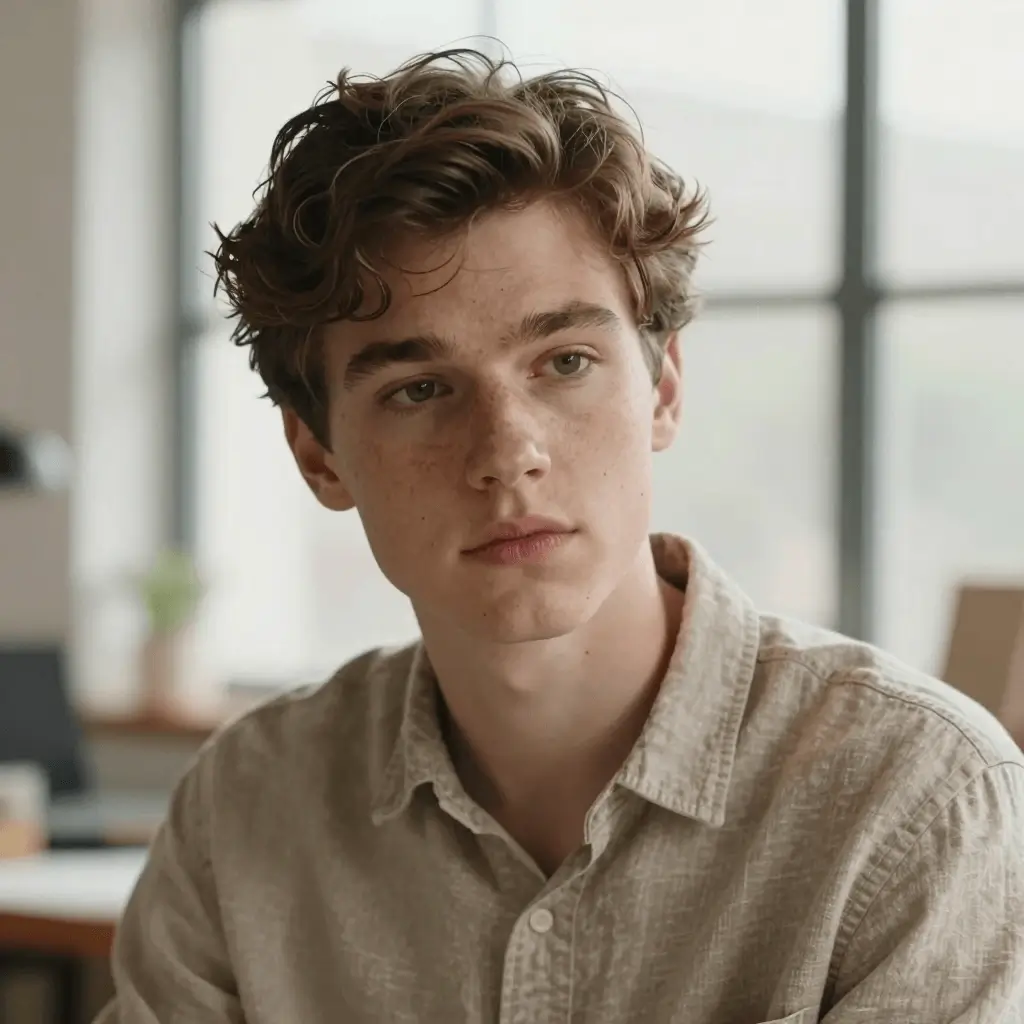
02
Natural-light portrait
Defines lens language, skin texture and restrained lighting.
Photorealistic portrait of a young adult under soft window light, natural skin texture, subtle freckles, shallow depth of field, 85mm lens look, restrained color grade
Suggested settings 3:4 · 2K
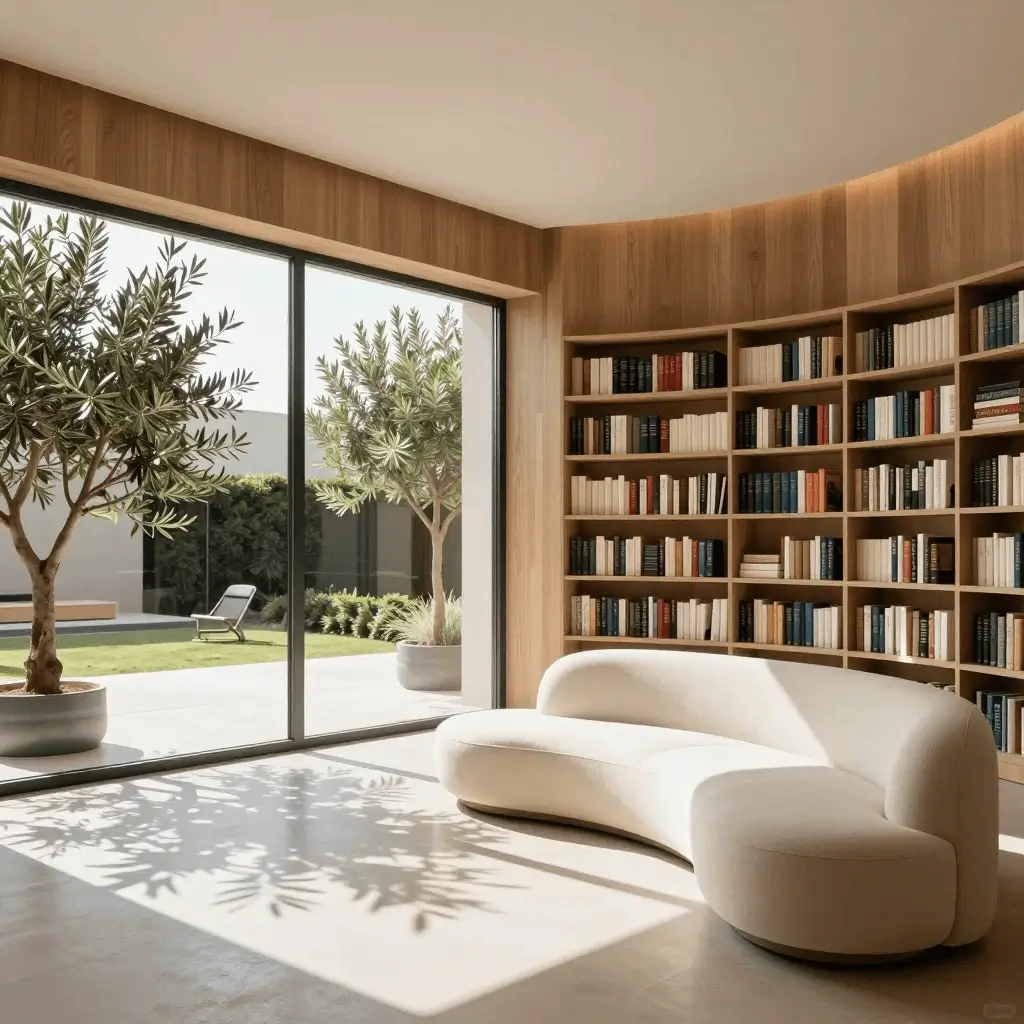
03
Editorial interior still
Controls materials, geometry and believable contact shadows.
Premium sculptural lounge chair in a sunlit wood library, warm oak shelving, indoor olive trees, realistic contact shadows, quiet editorial interior photography
Suggested settings 1:1 · 2K
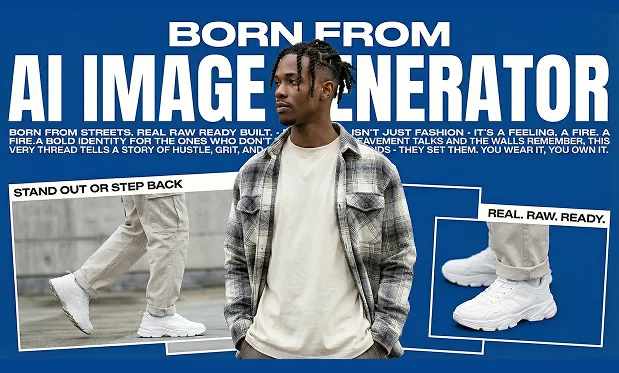
04
Text-heavy campaign poster
Makes the required headline and layout explicit.
Editorial fashion campaign poster with the exact headline BORN FROM AI IMAGE GENERATOR, cobalt blue background, full-body streetwear subject, three product detail insets, bold white typography
Suggested settings 16:9 · 2K
04
How to iterate without rewriting everything
Change one class of instruction at a time. If the layout is wrong, adjust hierarchy and framing before adding more style adjectives.
- Lock the composition first.
- Correct text and small details in a second pass.
- Save the prompt and settings with the selected result.
FAQ
Prompt questions
Should Seedream 5 Pro prompts be long?
Only as long as the brief requires. A structured prompt with clear constraints is easier to revise than a long list of unrelated adjectives.
How should exact text be written?
Quote the required words, state where they belong, and keep the first text test short. Always inspect small text before publishing.
When should I use a reference image?
Use one when identity, composition, product shape or visual style must stay close to an existing source. The current workflow accepts optional references.