
 3:4
3:4Seedream 5 Pro online generator
Seedream 5 Pro turns prompts into production-ready AI images .
Text and references in. Production-ready images out.
ByteDance Seedream 5.0 Pro improves text-image alignment, layout coherence, text rendering and visual aesthetics. Draft dense infographics, photographic portraits, product stills and editable designs from text or multi-reference images in your browser.
Prompt examples
Start from a Seedream 5 Pro prompt built for real creative work.
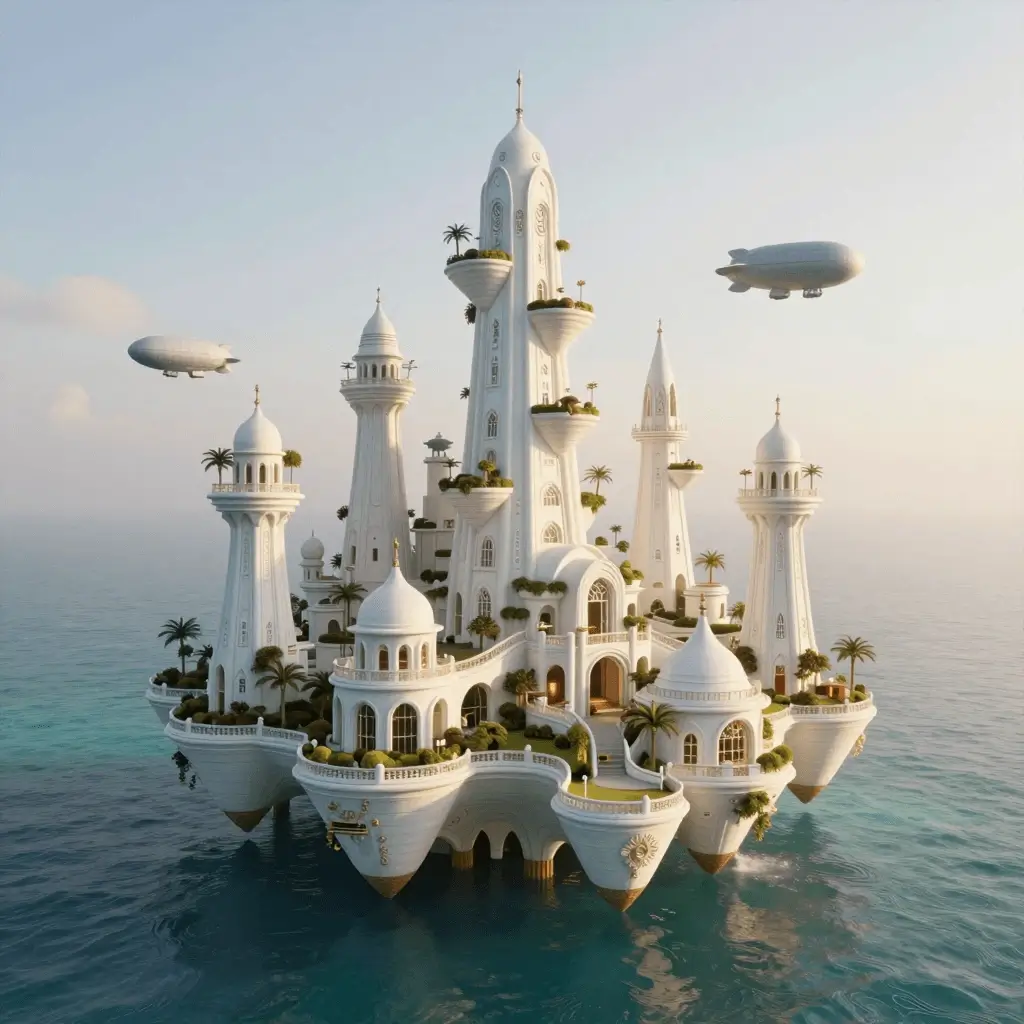
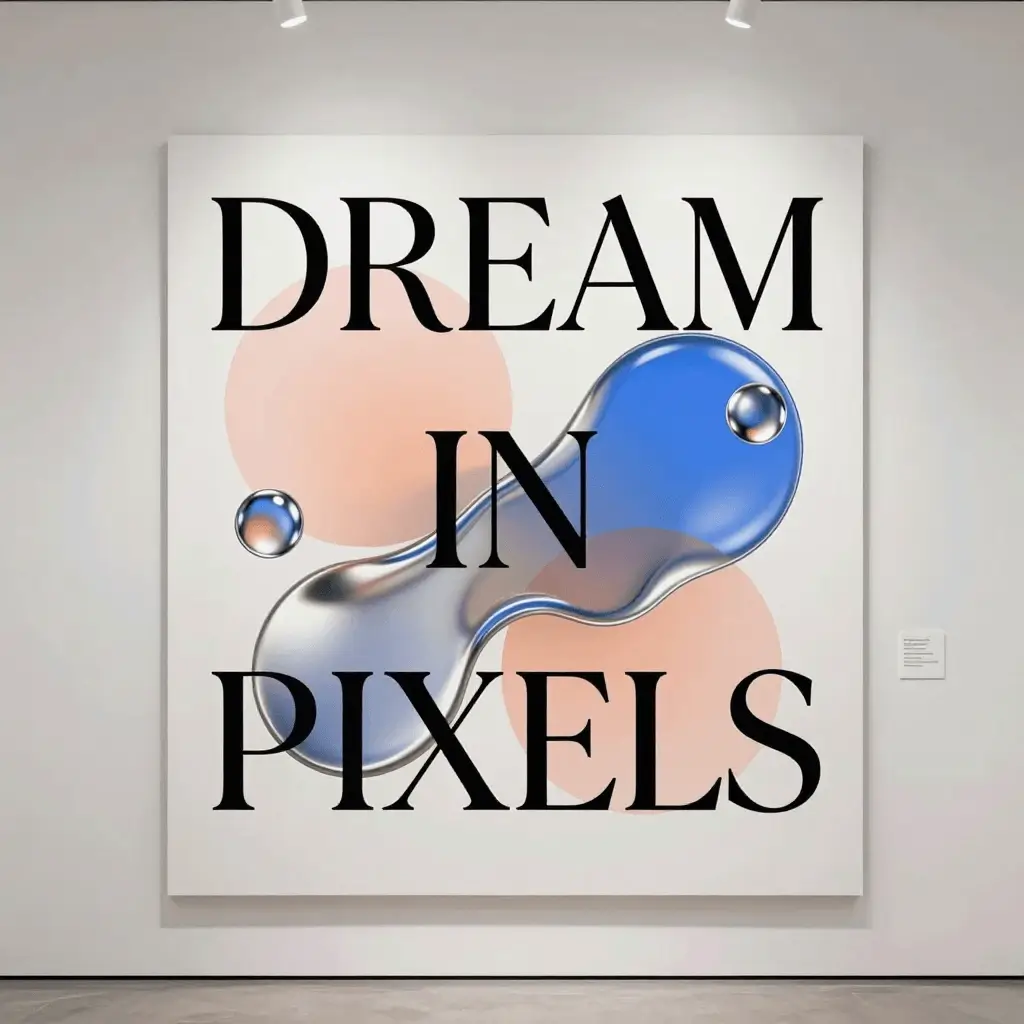
Use these examples for infographics, portraits, product stills and posters. Each card opens the Seedream 5 Pro generator with a ready prompt.
3:4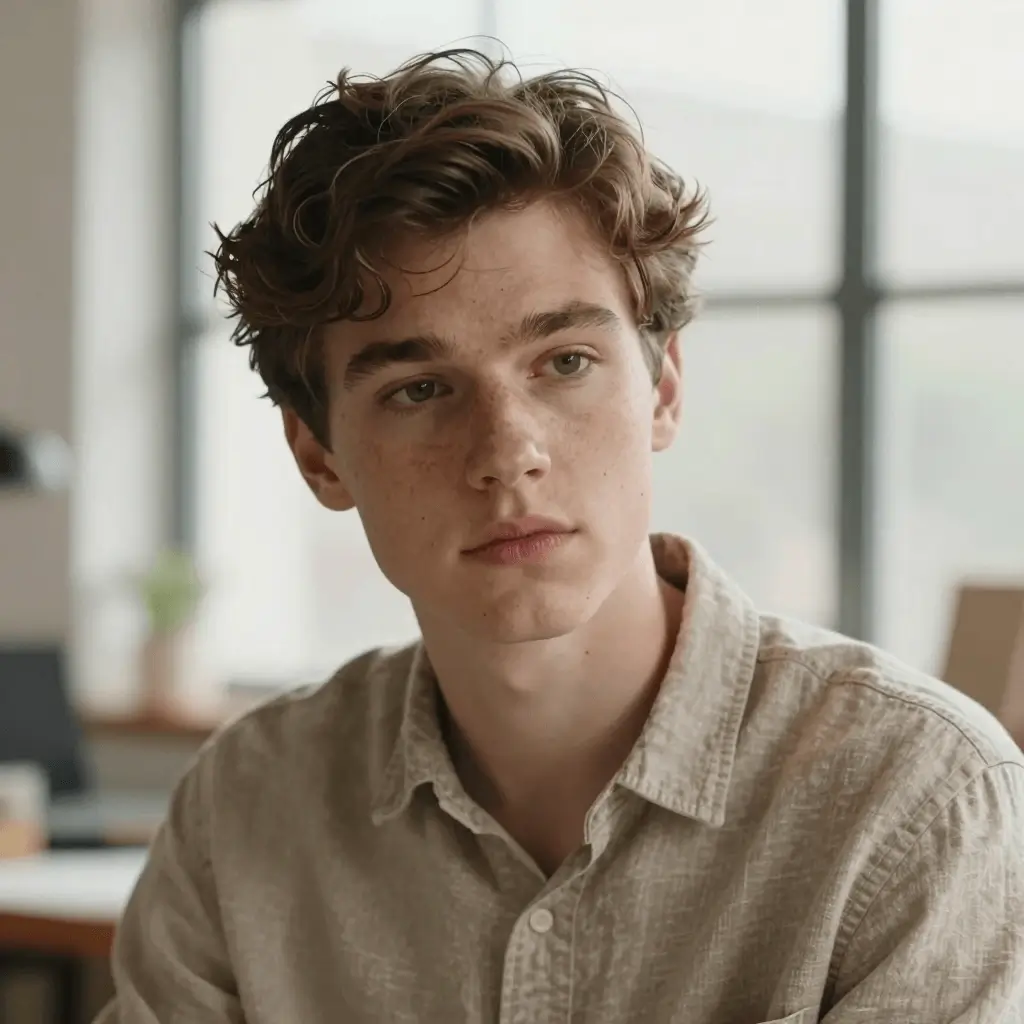 3:4
3:4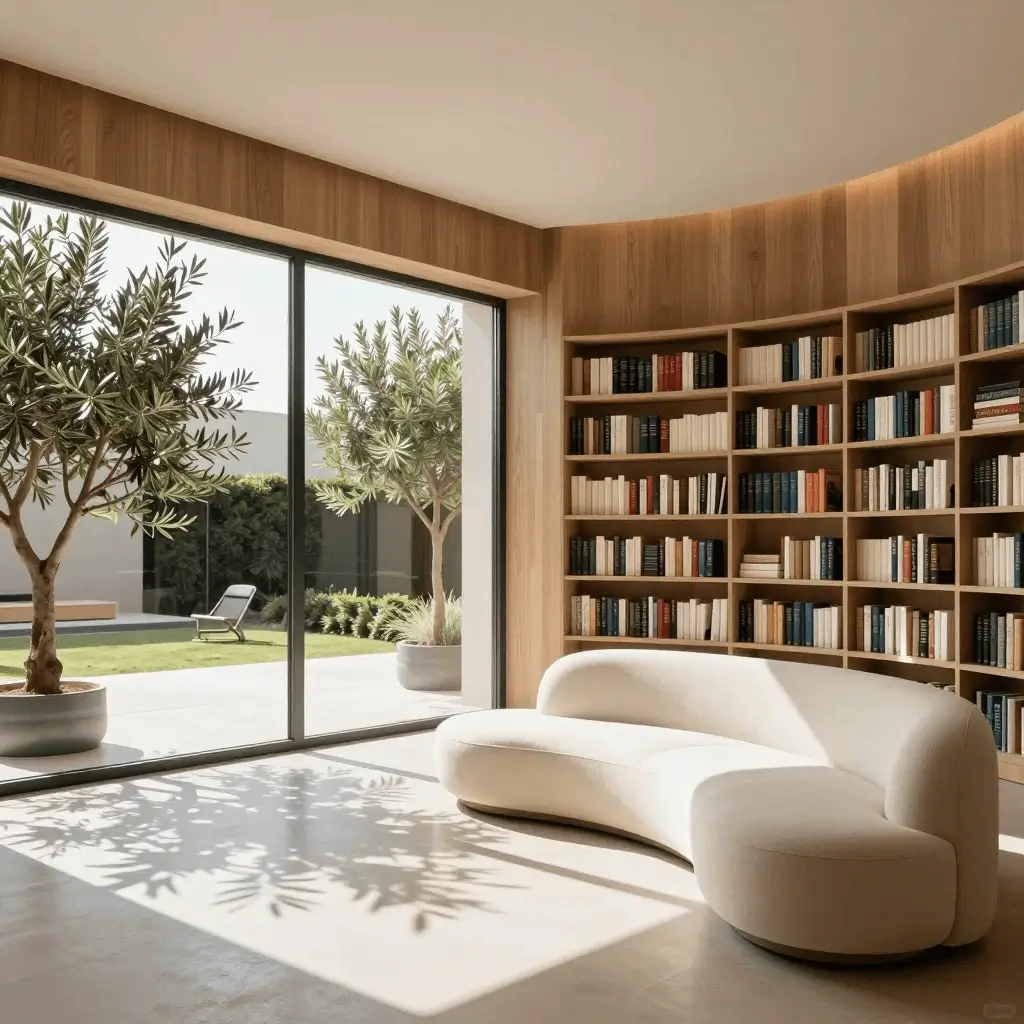 1:1
1:1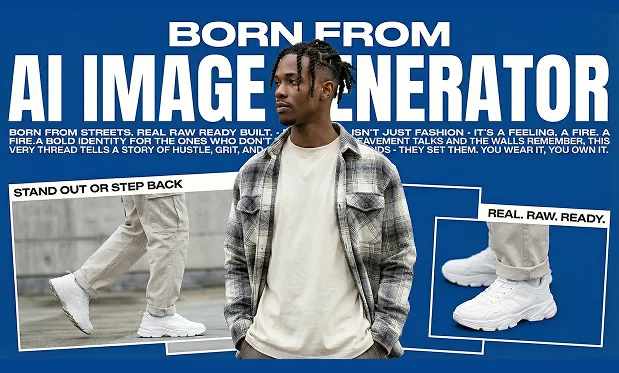 2:3
2:3Meet the model
What is Seedream 5 Pro?
Seedream 5.0 Pro is ByteDance's multimodal image creation model for advanced reasoning, efficient content production and professional visual quality. It strengthens foundational capabilities such as image-text alignment, structural coherence, text rendering and aesthetics, while adding high-density information visualization, interactive precision editing, multi-layer separation and more realistic lighting and skin textures. dream5.pro focuses that demand into a clean online Seedream 5 Pro generator.
A ByteDance flagship image model
Seedream 5 Pro is positioned as a production-oriented image model for design, education, marketing and professional creative workflows.
Built for dense, usable output
Public materials highlight complex information visualization, region-precise editing, layer separation and photographic realism.
Online, no GPU required
Open the workspace in your browser, write a prompt, set ratio and resolution, then generate without local setup.
Why this model
Seedream 5 Pro key features for AI image creators
A design-forward walkthrough of Seedream 5 Pro strengths — denser layouts, stronger text, photographic detail and editable workflows.
Model
Seedream 5.0 Pro generation
A focused online experience for users searching for Seedream 5 Pro, tuned around prompt-led image drafts and professional visual production.
Start creating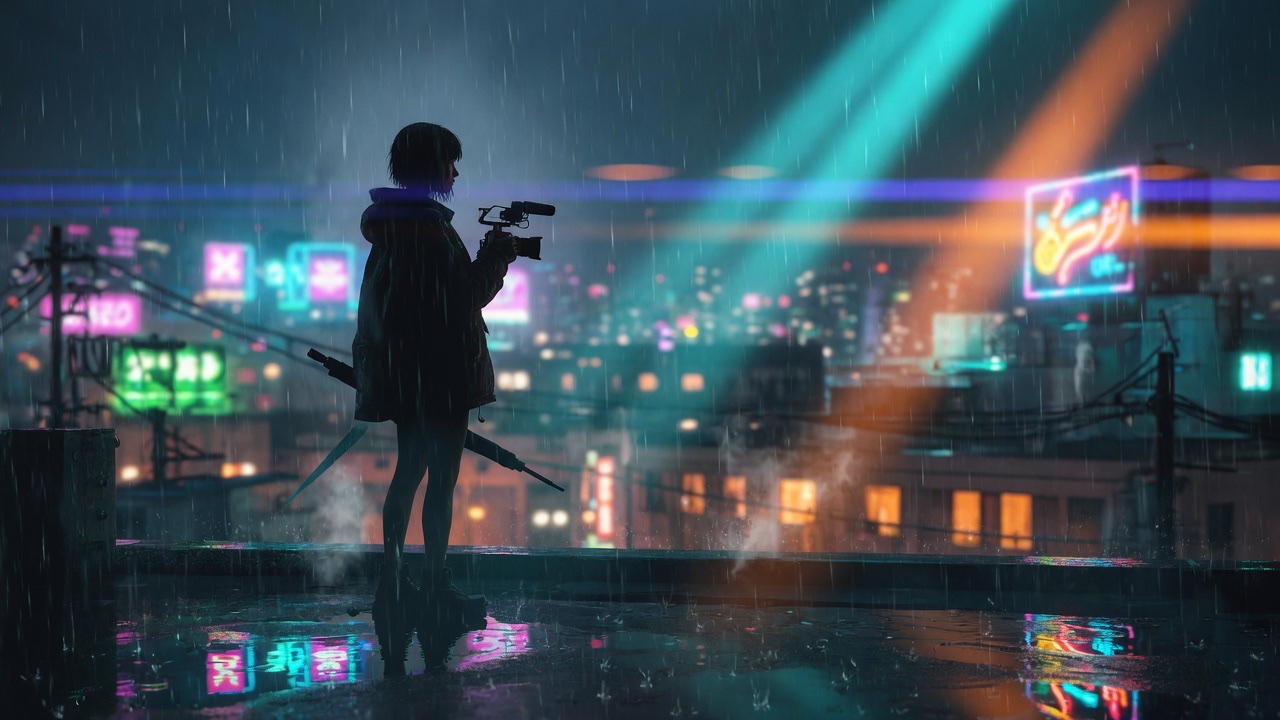
Quality
Photographic visual quality
Use detailed prompts for lighting, materials, skin texture and composition to get more alive, production-ready stills.
Try a prompt
Infographics
High-density information design
Transform data, concepts and dense text into structured layouts for education, decks, posters and professional content.
Explore layouts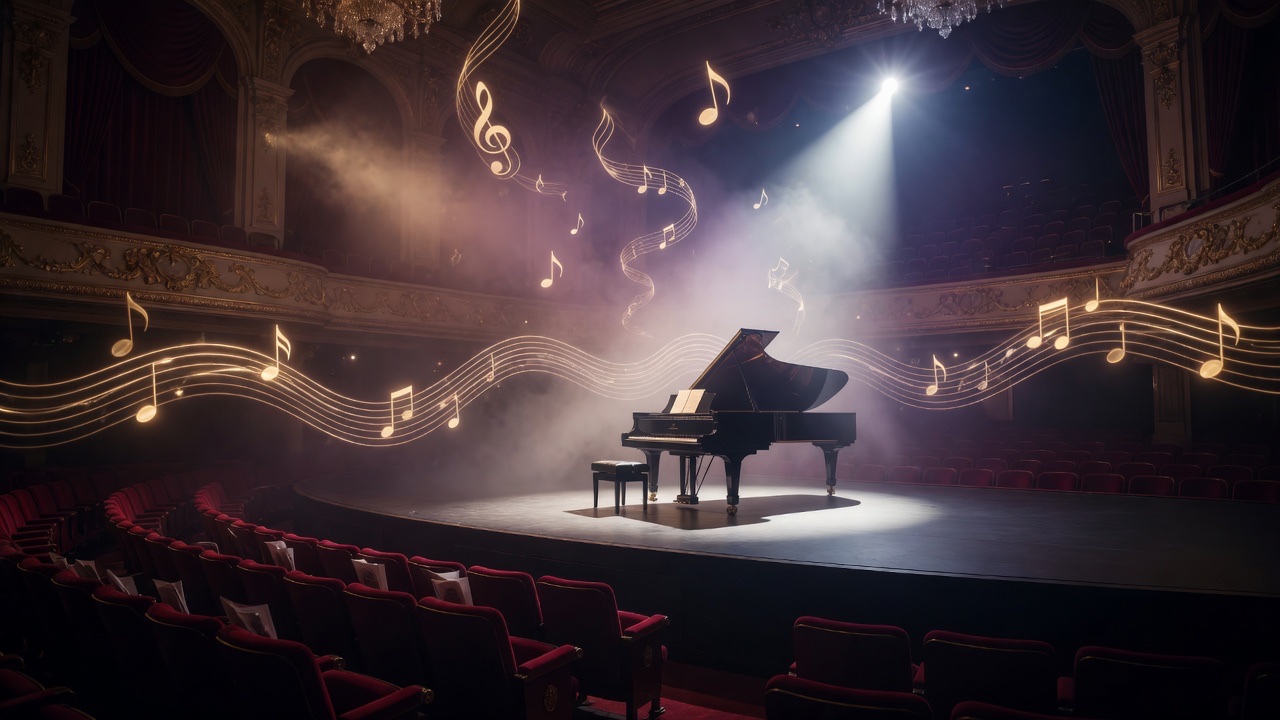
Editing
Interactive precision editing
Guide region-level changes with references, multi-image fusion and iterative refinements instead of re-rolling everything.
See pricing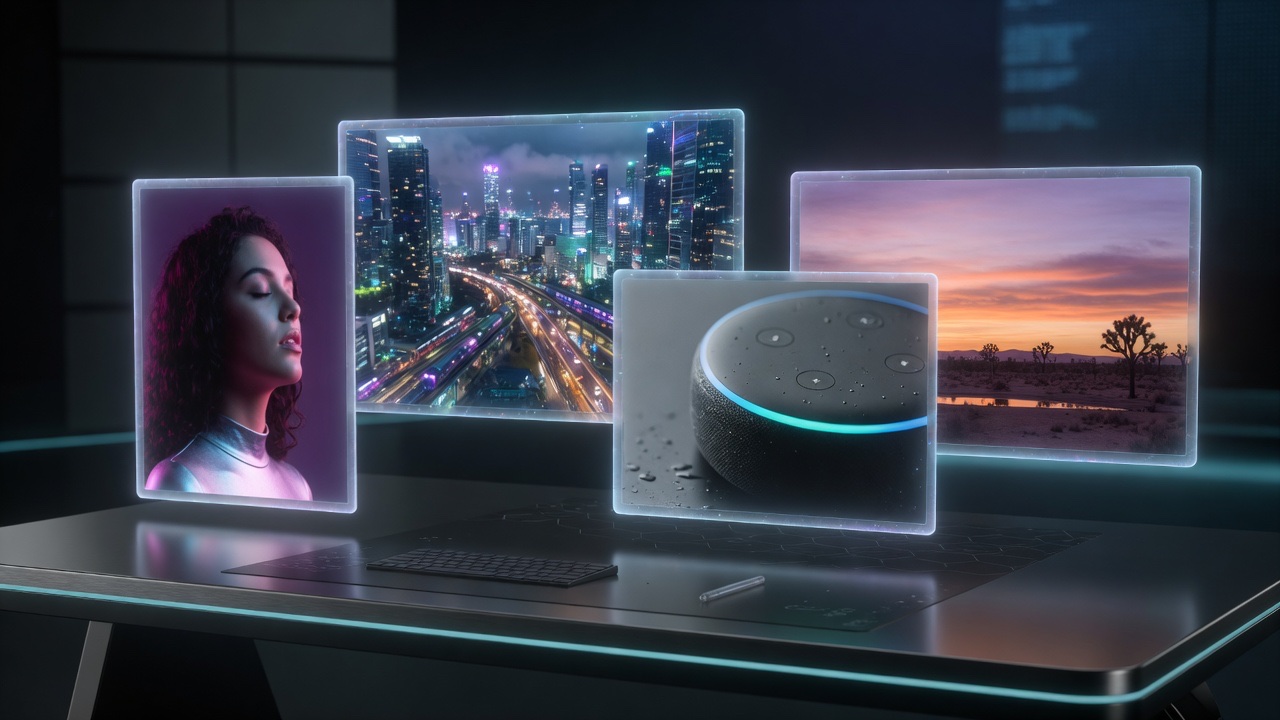
Formats
1K / 2K and flexible ratios
Generate square, portrait, landscape and classic aspect ratios for social, product pages, slides and campaign drafts.
Workflow
One unified workspace
Generate, review, download and revisit tasks in one account-based workspace with history, credits and prompt reuse.
Quality
Photographic visual quality
Use detailed prompts for lighting, materials, skin texture and composition to get more alive, production-ready stills.
Infographics
High-density information design
Transform data, concepts and dense text into structured layouts for education, decks, posters and professional content.
Three simple steps
How to use Seedream 5 Pro online
Describe the image
Write a prompt with subject, setting, lighting, materials, layout, text and style. Add reference images when you need stronger control.
Choose image settings
Pick aspect ratio and 1K or 2K resolution. Seedream 5 Pro is tuned for detailed stills and dense design output.
Generate and iterate
Run generation, review the result, download the image or refine the prompt for another pass.
Need a faster start? Open the Seedream 5 Pro generator or check pricing and credits before you scale production.
Use cases
What can you create with Seedream 5 Pro?
Infographics and explainers
Turn dense concepts into readable visual layouts for education, product pages and research explainers.
 Create an infographic
Ads and campaign visuals
Draft launch creatives with product materials, lighting notes and brand-ready composition.
Draft a campaign visualProduct and portrait stills
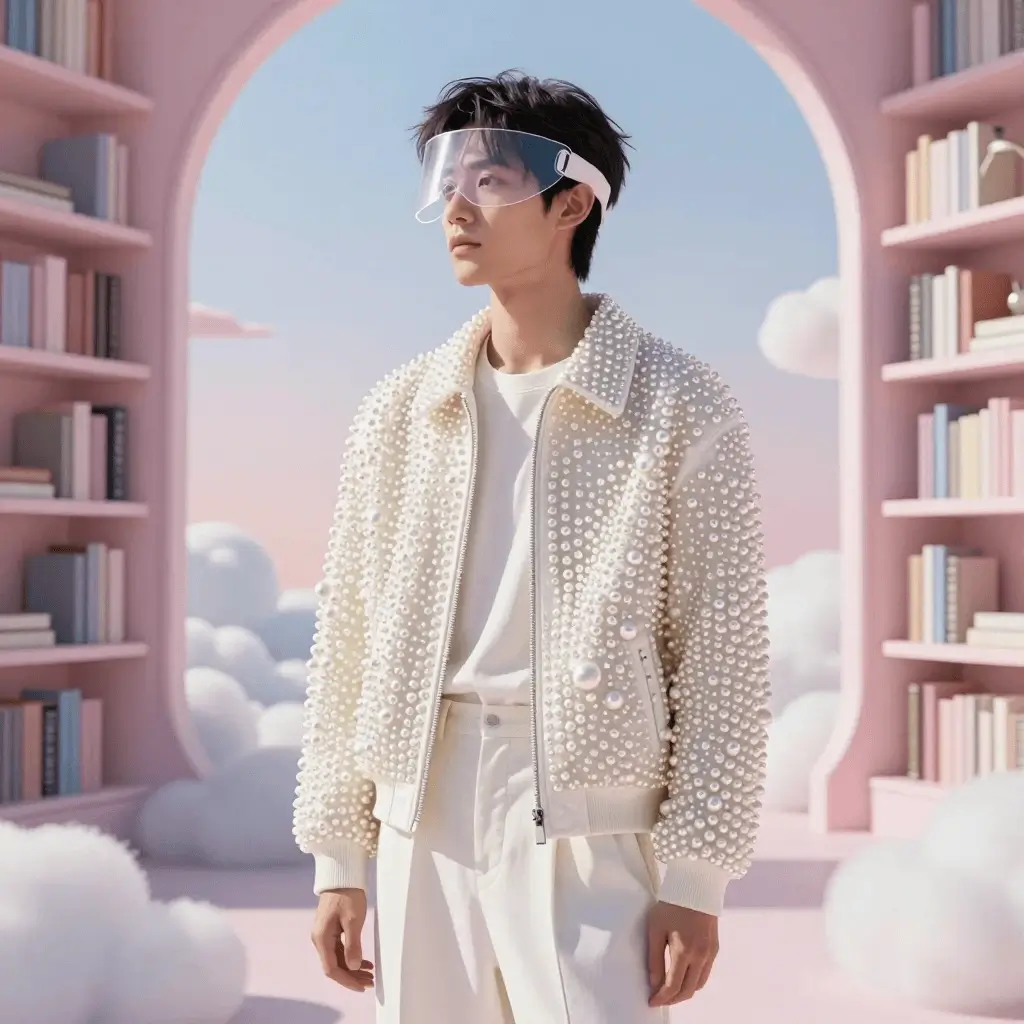
Create elegant product photos and photographic portraits with realistic texture and light.
Generate a product stillPosters and social assets
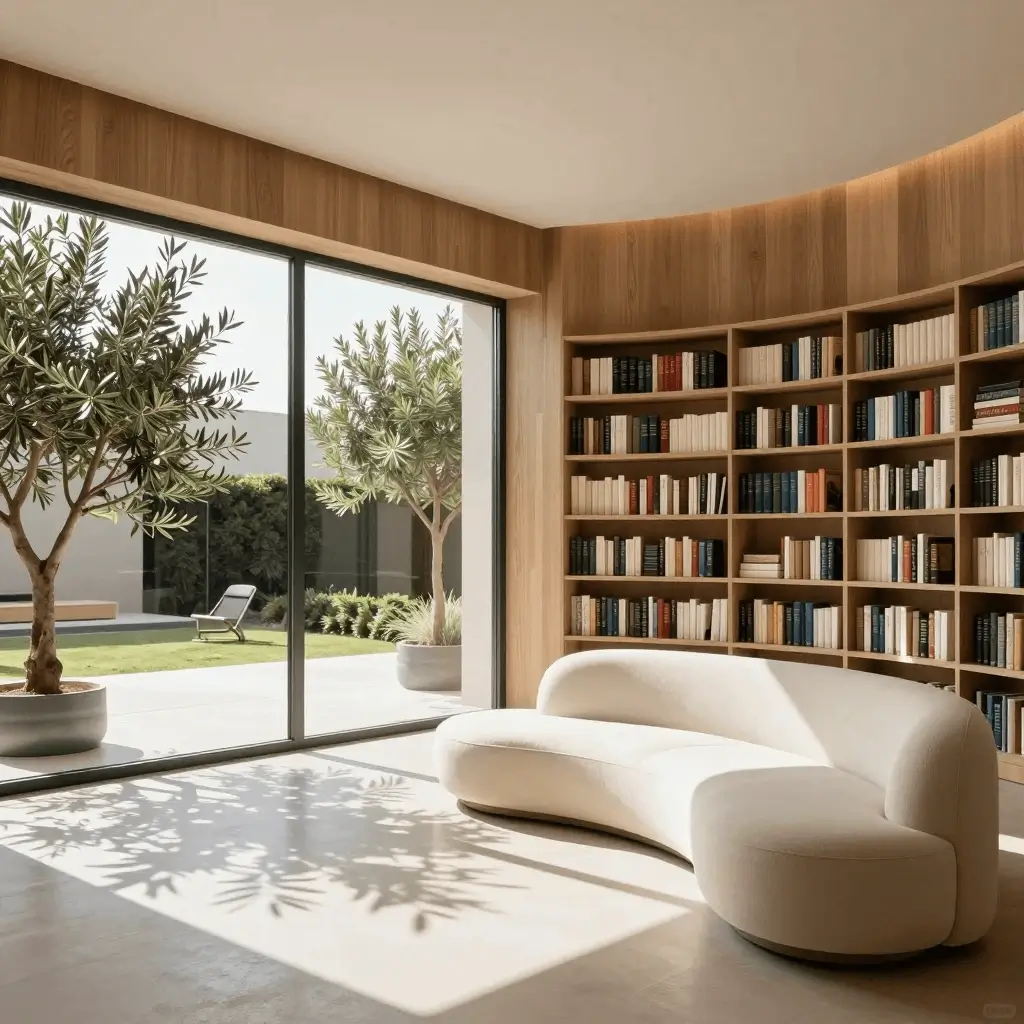
Generate vertical, square or widescreen images for posts, thumbnails, storyboards and launch experiments.
 See pricing
Credits
Try Seedream 5 Pro before scaling production.
Start with introductory credits, test 1K and 2K outputs, then upgrade when you need more Seedream 5 Pro generations for design, ads, education or product work.
View pricingWorkflow
Generate, review and refine with history.
After a generation finishes, revisit prompts, download outputs and iterate on layout, aspect ratio, resolution and reference guidance.
- Write a precise prompt
- Choose ratio and resolution
- Generate, download or refine
FAQ
Seedream 5 Pro — frequently asked questions
What is Seedream 5 Pro?
Seedream 5 Pro (Seedream 5.0 Pro) is ByteDance's multimodal image generation and editing model. It focuses on high-density information visualization, interactive precision editing, multi-layer separation, stronger text rendering and more photographic visual quality.
How is Seedream 5 Pro different from Seedream 5 Lite?
Seedream 5 Lite emphasizes unified multimodal reasoning and efficient generation. Seedream 5 Pro targets more professional production: denser layouts, finer editing control, multi-reference workflows and higher visual quality for design-ready outputs.
Can I generate images from text?
Yes. Open the Seedream 5 Pro generator, write a prompt, choose ratio and resolution, then generate an AI image draft in the browser.
Does it support reference images and editing?
Yes. The workspace supports text prompts and optional reference images so you can guide subjects, style, materials and region-level edits more precisely.
What should a good Seedream 5 Pro prompt include?
Describe the subject, composition, lighting, materials, text/labels, style and aspect ratio. For infographics, specify hierarchy, sections and label density. Specific prompts usually produce more controllable drafts.
What resolutions does Seedream 5 Pro support here?
This workspace offers 1K and 2K generation tiers with multiple aspect ratios for social, product, presentation and print-oriented drafts.
Ready to create?
Open Seedream 5 Pro and generate your first AI image online.